LiftLink
How LiftLink works
A quick walkthrough using a made-up team, the Rowanvale Hockey U13s. Nothing here is real — it just shows what each screen looks like.
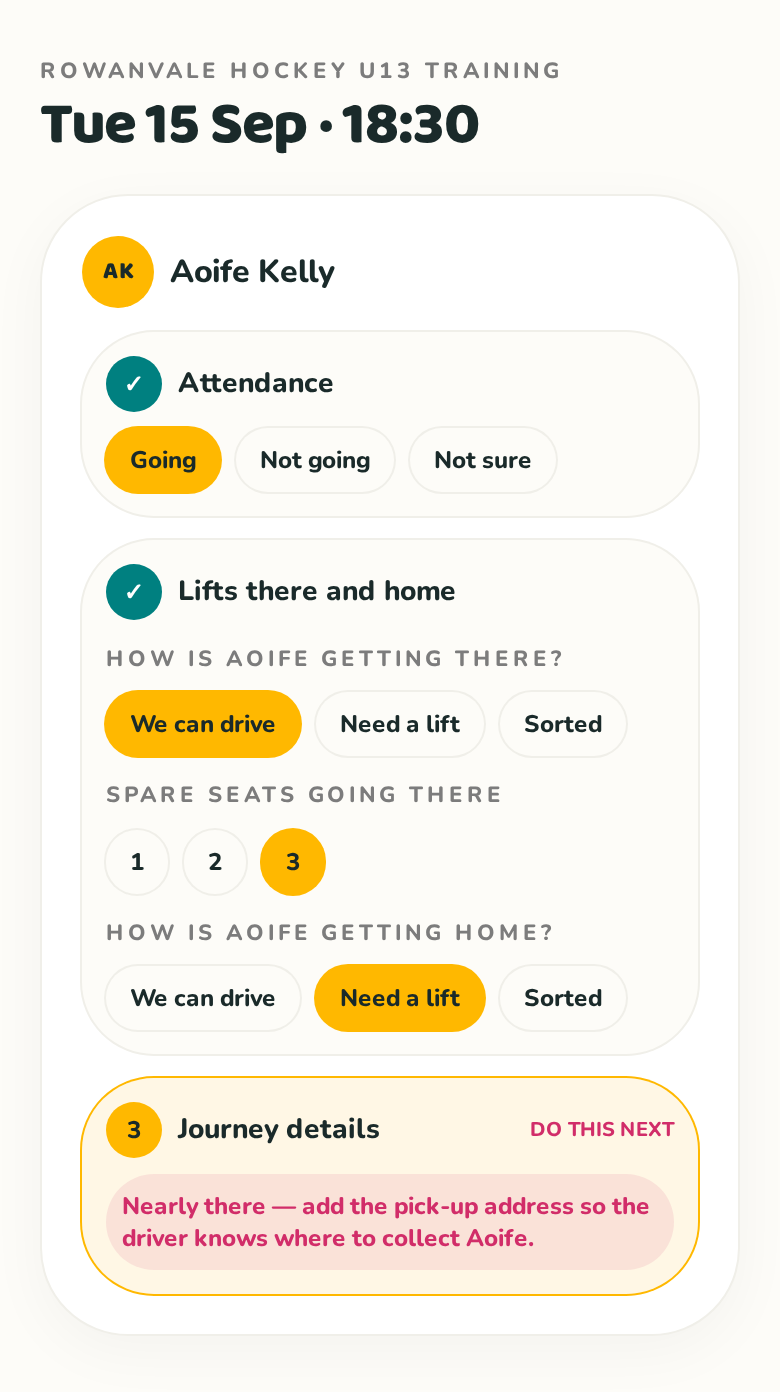
Say whether your child is going, and how they'll travel
Answer for each child, then say how they're getting there and how they're getting home — these can be different. If you're driving, add how many spare seats you have each way. If you need a lift, add where and when they can be collected. The pick-up address is only ever shown to the parent who drives them.
There's a middle option too: Can drive if needed. LiftLink first tries to find your child a seat with someone who's definitely driving, and only calls on you if someone would otherwise be left without a lift. If your car isn't needed, your child gets a lift like anyone else — so fewer cars end up on the road.
If another parent is linked to your child, choose who's driving there and who's driving home. They can be different people, and either linked parent can change the choice before the event starts.
See the totals for the group
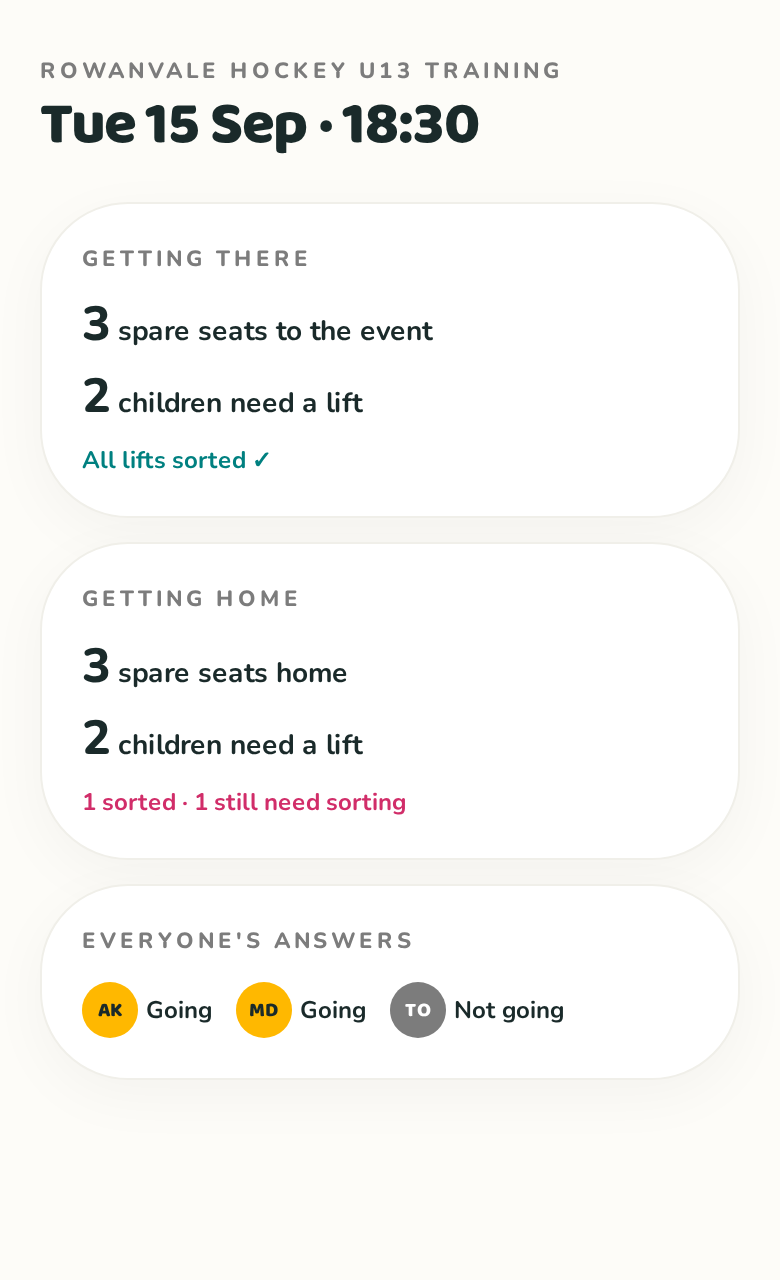
Each direction is counted separately, so you can see at a glance how many seats are offered, how many children are sorted and how many still need a lift.
Say who you'd rather take
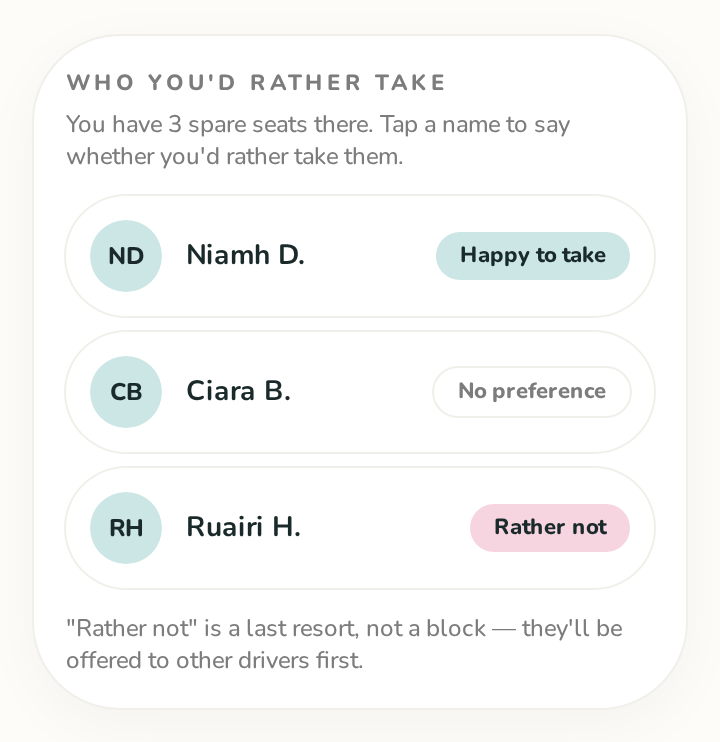
If you're offering spare seats, you can mark anyone you're happy to take and anyone you'd rather not. "Rather not" isn't a block — those children are offered to every other driver first, and only come with you if no one else has a seat, so nobody is ever left behind.
Need a firm rule for your own child? On the Family page, Ruth can add a driver under "Never travels with" for Aoife K. That one is absolute and private: Aoife is never put in that car, and if she was already in it on an upcoming date she's taken back out.
Two optional extras on each date's answer. When Ruth is driving she can say whether she's "Keen to watch" or "Just dropping off / collecting" — it quietly helps LiftLink suggest tidier cars, and next week starts from what she picked last time. And if Aoife needs a lift both ways, Ruth can tick "Drop-off home is somewhere else" and add a second address — handy when Aoife is going to her gran's afterwards.
See who's in each car — and switch the driver
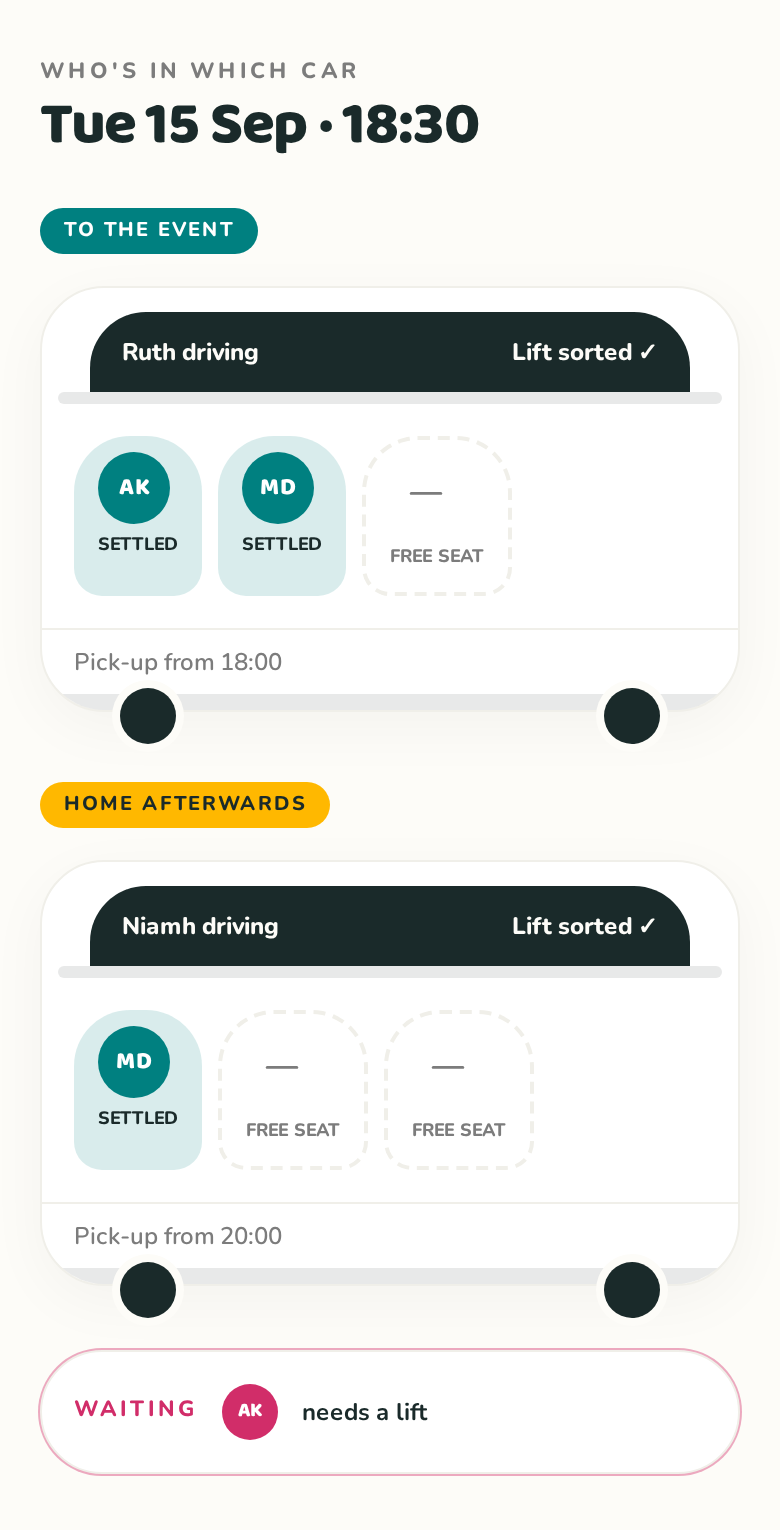
LiftLink puts children into cars for you. It looks at who lives nearest — using the addresses people have saved, kept private and never shown to anyone, and falling back to postcode areas when there's no address — then at who you're happy to take, and it fills cars that are already going rather than starting new ones. Anyone you'd rather not take is offered to every other driver first and only comes with you if there's genuinely no other seat.
The named driver is shown separately for each direction. If you and another parent are linked to the same child, either of you can switch the driver on the event, Liftsor Who's in which car page before the event starts. Changing the parent driving does not remove children who already have an agreed seat.
Offering a seat is the agreement — there's no separate accepting step for the driver to do. The evening rundown confirms the plan, and the car view shows the driver's own children first, then the children they're collecting.
Flexible until 8 hours before
More than 8 hours before the event starts, LiftLink can combine cars and move or swap passengers automatically to group neighbours, without waiting for driver approval. Everyone in a car must fit before its driver stands down; fewer cars comes first, then proximity. Your saved driving offer stays unchanged, and you can change your answer if you'd rather not drive. An organiser's rejig stays put until an answer changes. At exactly 8 hours or less, existing arrangements are kept: moving children needs a tidy-up suggestion both drivers agree to, or the organiser stepping in. If a driver withdraws, affected children are re-matched and their parents are told.
A pick-up or drop-off more than five miles from your home always needs your permission before another family's child is added to your car, even during automatic planning. Answer “Are you happy to drive this far?” with yes or no thanks on the event page. Distances are straight-line estimates; the road journey may be longer. If we can't check the distance, we'll ask rather than assume. Permission covers that child, date and journey.
Last-eight-hour tidy-ups — with agreement
Within the last 8 hours, LiftLink keeps an eye out for a neater arrangement: someone nearer with a spare seat, or two half-empty cars where one would do. That appears on the event page as "Could we tidy this up?" with Agree or No thanks, and both drivers get an email about it. Nothing moves until both agree. If it means you wouldn't need to drive at all, you're asked about that too — and a driver is only asked to stand down when the whole car can be taken by someone else. Say no thanks and it won't be suggested again for that date.
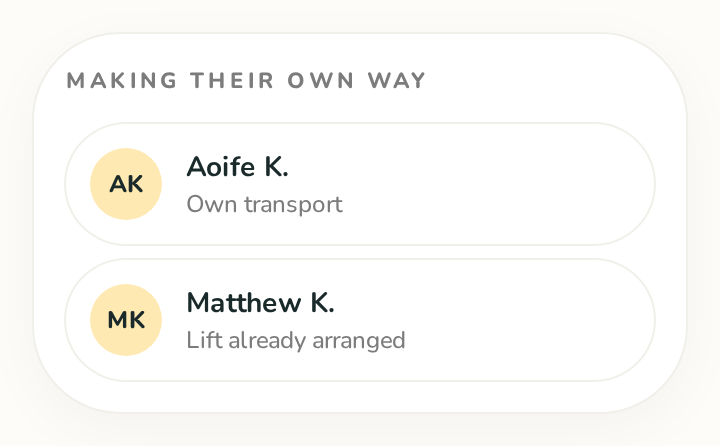
Everyone making their own way is listed too
Below the cars you'll see everyone who isn't in a shared lift — those driving themselves or with transport already arranged — so the whole group is accounted for on one screen.
Each journey also has a No lift yet strip, so anyone still waiting for a seat — including anyone who hasn't finished answering — stands out straight away. Once everybody going is in a car, it switches to a green "everyone's sorted" note.
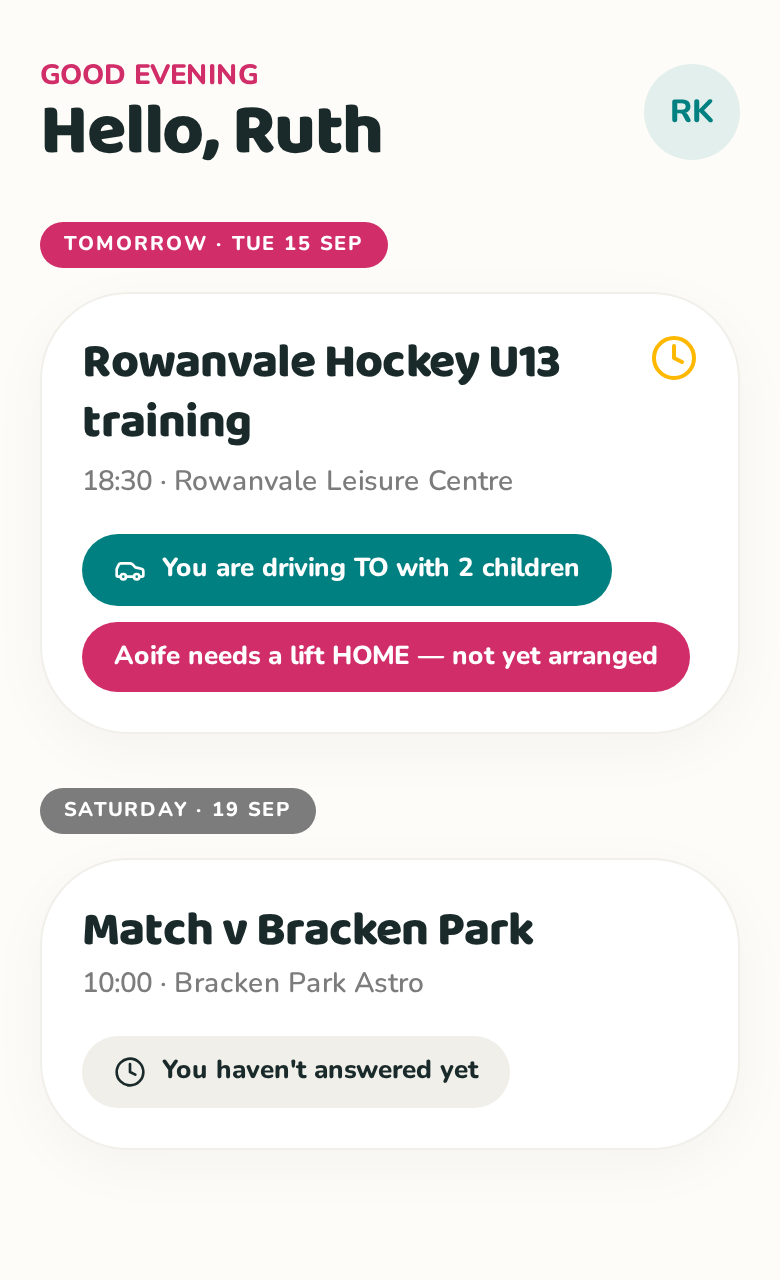
Check your home screen before you leave
Your home screen lists what's coming up and what it means for you: who you're driving, which of your children still needs a lift and which events you haven't answered yet.
When something new is added to LiftLink, a small What's new card appears at the top of your home screen with a link to try it. Tap the × to tuck it away — you'll only ever see each one once.
Changing your mind
Once you've answered, your answer folds up into a single tidy line with a tick — tap Change answer to open it again. Change anything and the plan updates right away: if you can no longer drive, the children who were with you are found other seats and told, and if you now need a lift you're added to the list straight away. Under Everyone's answers there's also a "still to answer" list, so you can see who hasn't replied yet.
Gentle reminders, not constant emails
In the early evening everyone gets one combined email: who you're driving tomorrow (with pick-up times), any dates still waiting for your answer, and anything else that's come up — only the parts that apply to you, with the dates in the subject. If you've saved a mobile number, drivers also get a short text about an hour before listing who they're taking. If a child still has no lift about four hours before, the group gets an emergency email, and about two hours before drivers whose car changed get a final rundown. Parents are told straight away if the person driving their child changes.
Everything else is gathered into a single round-up, sent a few minutes after things settle, telling you how your lifts stand right now — so a flurry of changes never turns into a flurry of emails. Nothing goes out between 10:30pm and 7am.
Ready to try it?
Create your first event